
How it works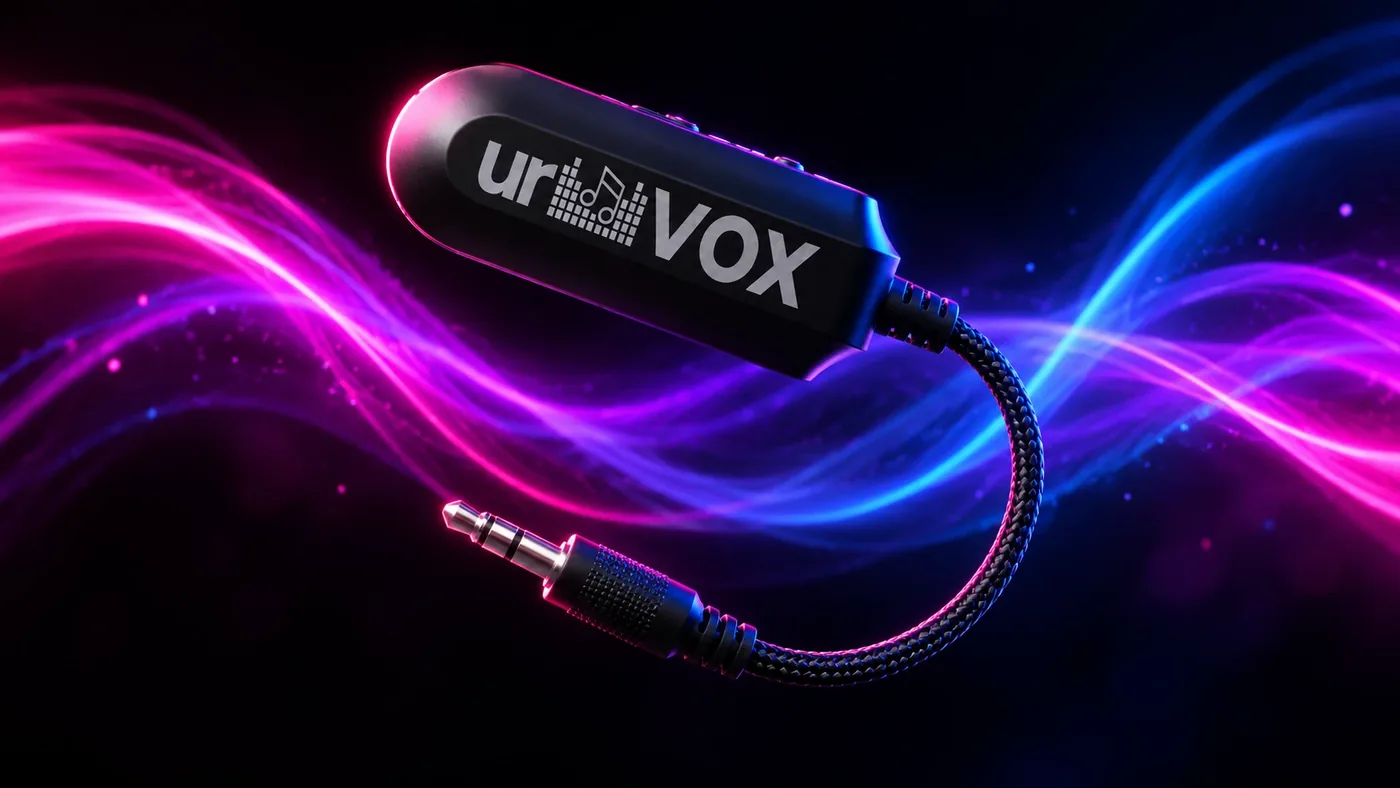
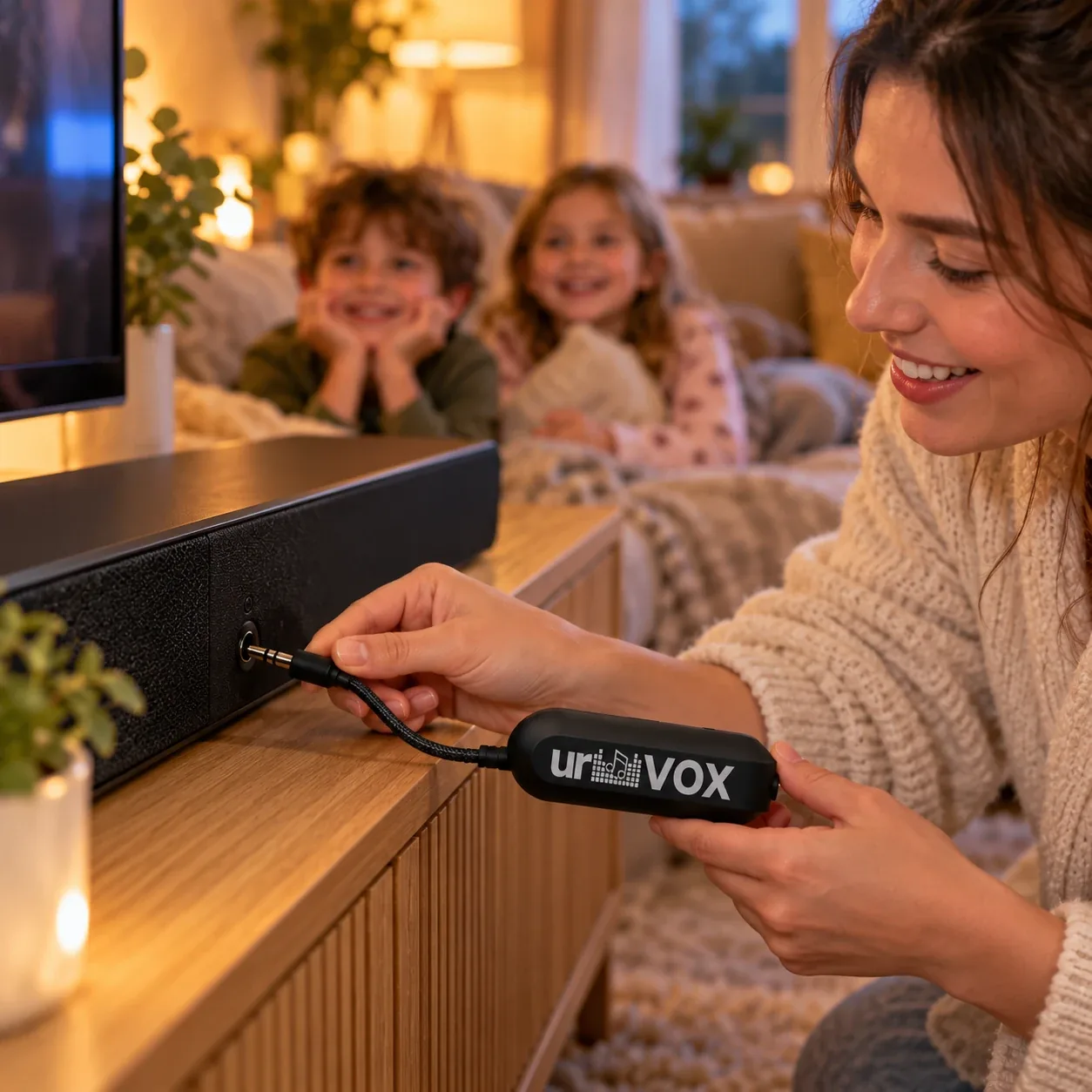
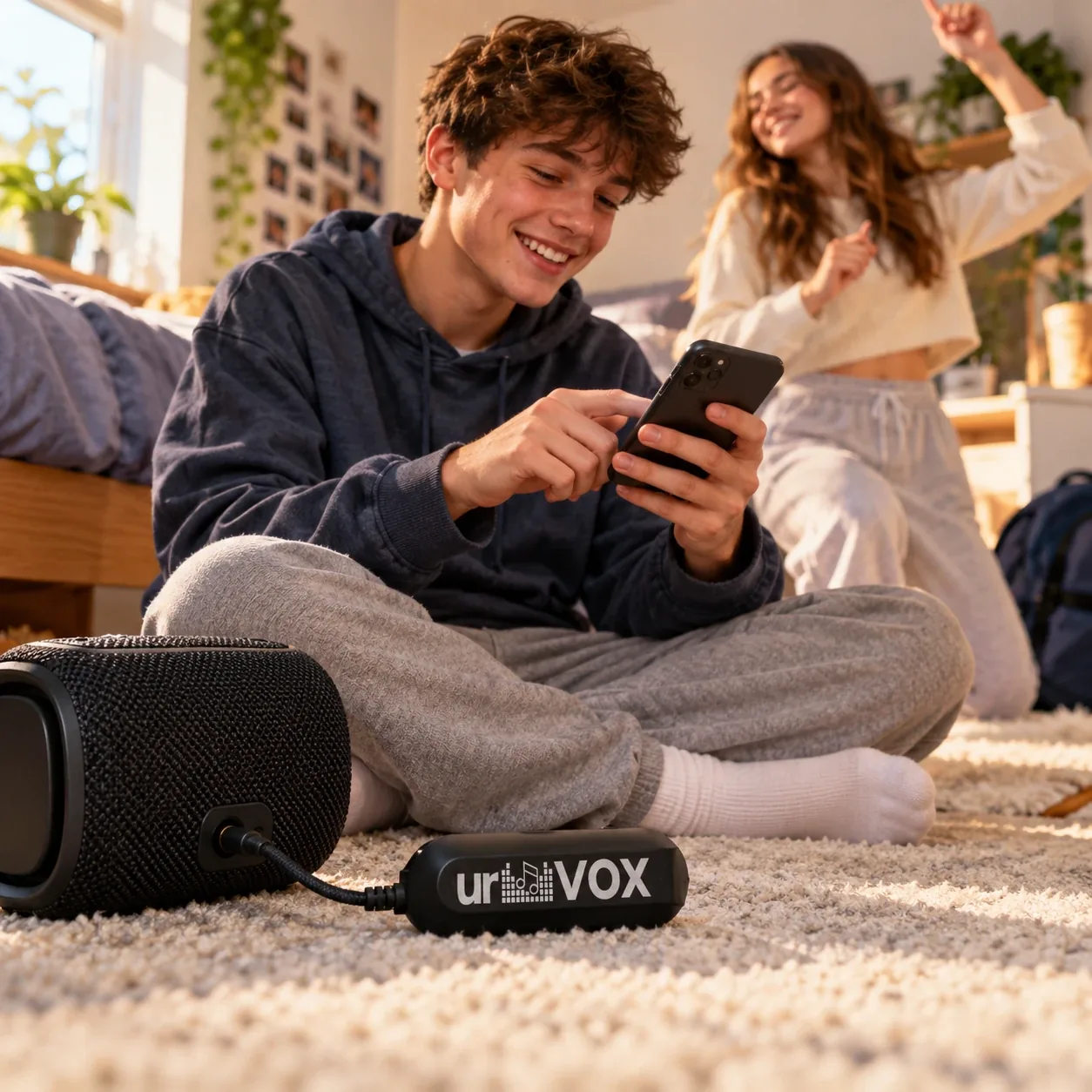
Your phone plays the song. urVOX takes the singer out.
urVOX sits between your music and your speaker. Music comes in over Bluetooth, the vocals are removed in real time, and the result goes out through the 3.5mm jack into your speaker.
Phone or tablet → Bluetooth → urVOX → 3.5mm AUX → your speaker
Getting started
- Charge it. Plug urVOX into any USB-C charger. A full charge lasts about 8–10 hours.
- Plug it in. Put the 3.5mm jack into your speaker's AUX input (sometimes labelled “line in” or shown as a headphone symbol) and set the speaker to its AUX source.
- Switch on and pair. Slide the switch on the side to ON. On your phone, open Bluetooth settings and choose urVOX. The Bluetooth light on top shows when you're connected.
- Play anything. Spotify, Apple Music, YouTube, Amazon Music, or any other app.
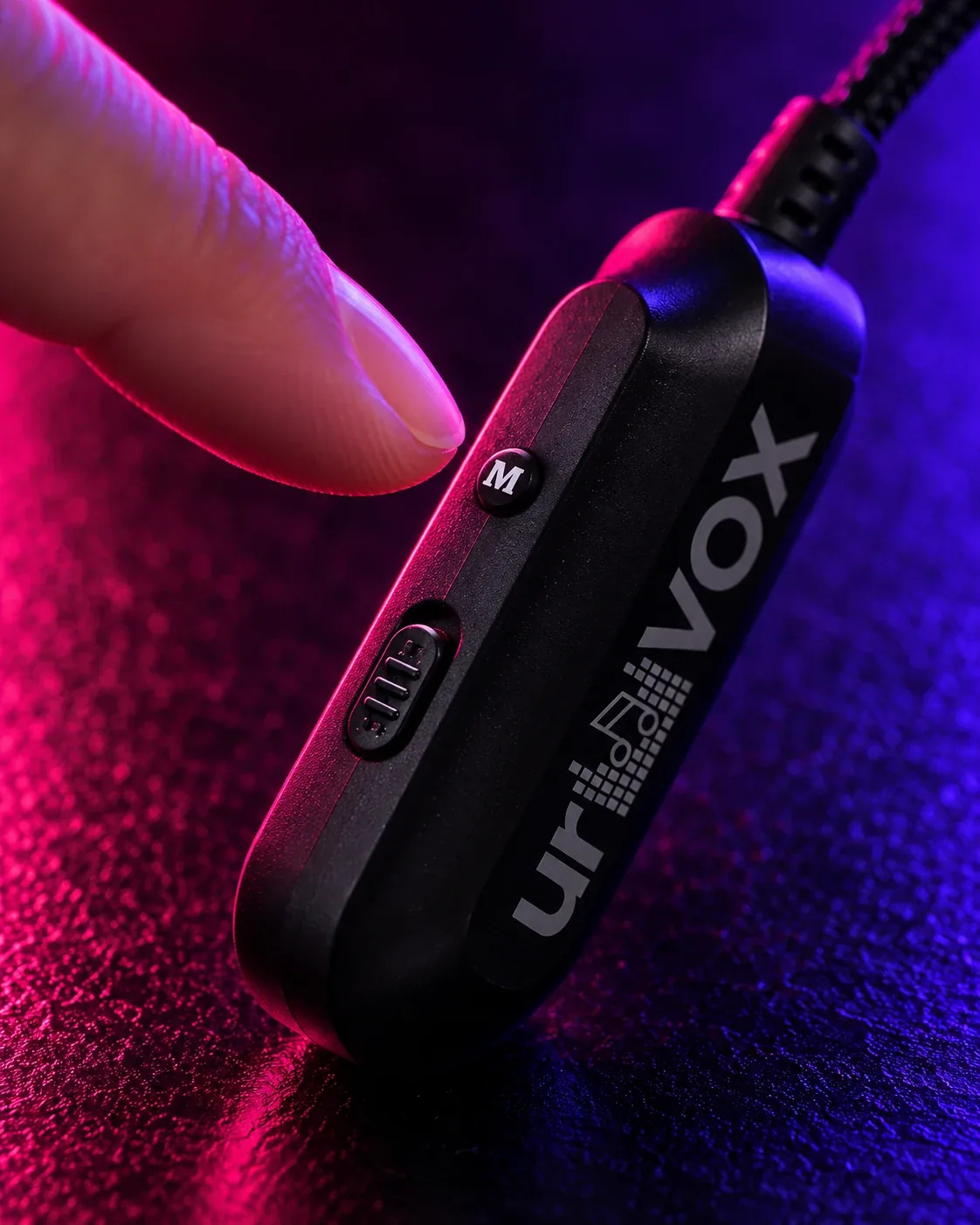
- Press M. Each press moves to the next mode. The lights on top show 100, 25 or 0.
The controls
- ON / OFF switch on the side.
- M button on the side cycles 100% → 25% → 0% vocals.
- Lights on top show the current mode (0, 25, 100), Bluetooth connection and battery.
The three modes
Normal
100%
Original song
Exactly as recorded. Just listen, or warm up with the artist.
Guide vocals
25%
Sing with a little help
The singer drops right back so you lead, with a gentle guide underneath.
Karaoke
0%
All you
The vocals are gone. The band keeps playing, and you're the lead singer.
Tips for the best results
- Mainstream studio recordings give the cleanest results, since the lead vocal sits in the centre of the mix.
- Live recordings, songs with lots of echo, or tracks with big backing harmonies may keep a faint trace of the vocal. That's normal, and 25% mode turns it into a handy guide track.
- Turn your phone's volume up and control loudness on the speaker. That gives urVOX the best signal to work with.